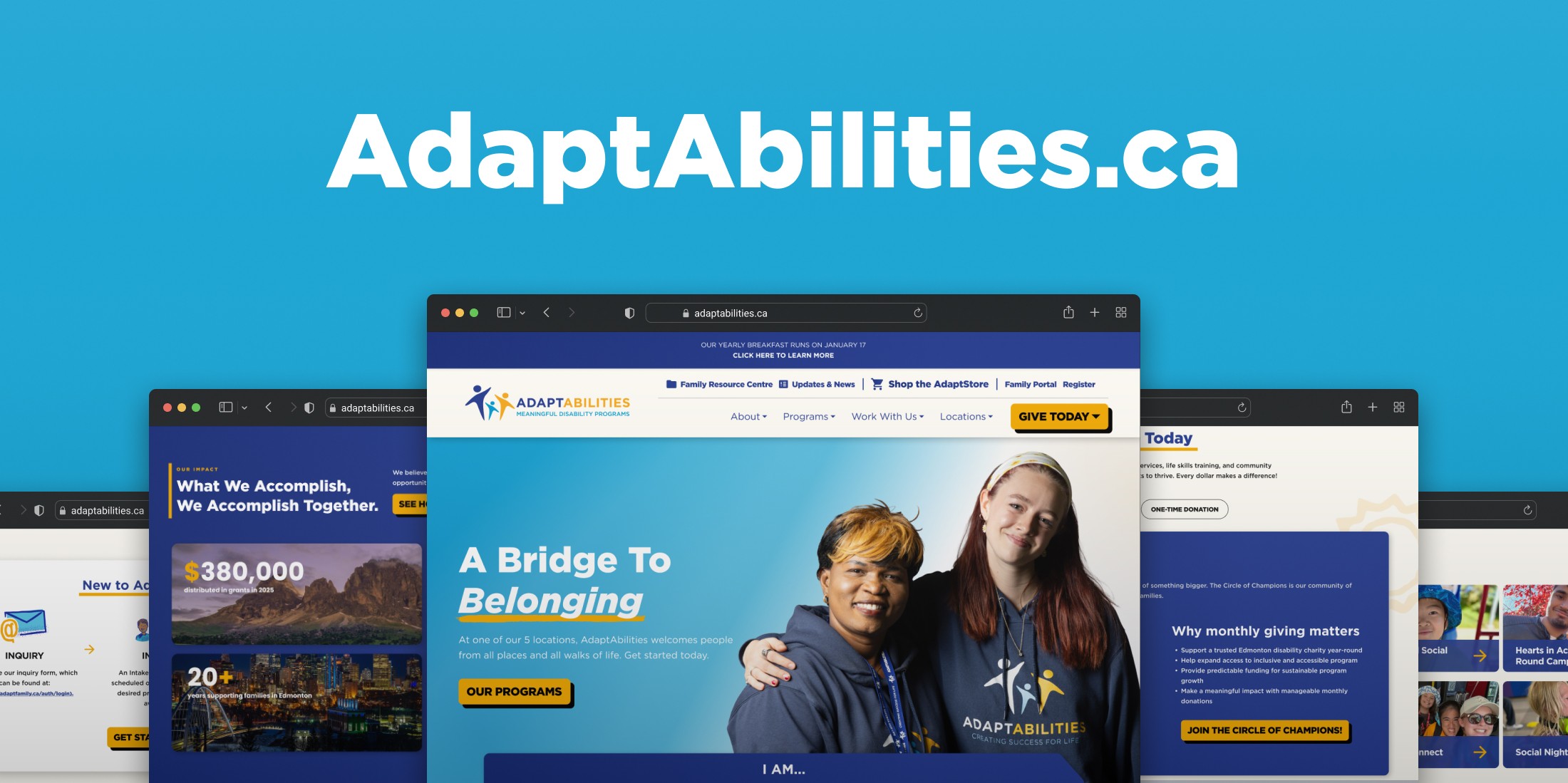
Tools Used: Figma, Photoshop, Lyssna, After Effects, WordPress, HTML, CSS, JS
GOAL
A parent looking for summer programs and a donor looking for impact data need very different things from the same website. The goal was the serve all of them clearly.
CONSTRAINTS
Working within existing WordPress CMS with external development team.
Navigate organizational constraints.
Design for ESL and low digital literacy.
DELIVERABLES
Fully restructured IA & user pathways.
Custom component & primitives library with desktop and mobile masters.
Developer handoff documentation.
WHERE WE STARTED
AdaptAbilities' website was fragmented and hard to navigate. I reviewed the website and conducted four primary methodologies.
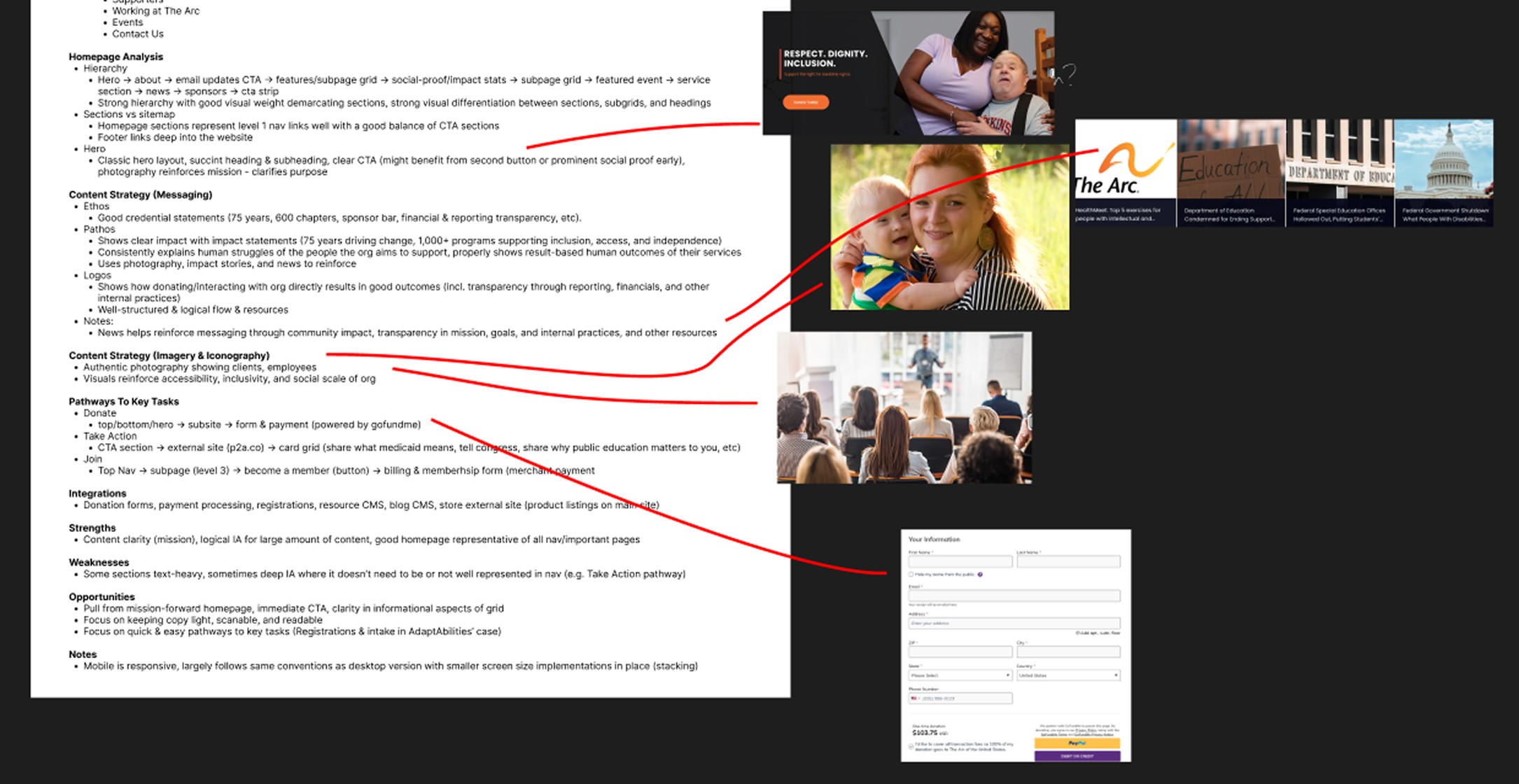
Precedent Analysis
What it Revealed: Comparable nonprofits use hub pages and consolidated program information. Shallow IA was frequent and associated with good outcomes.
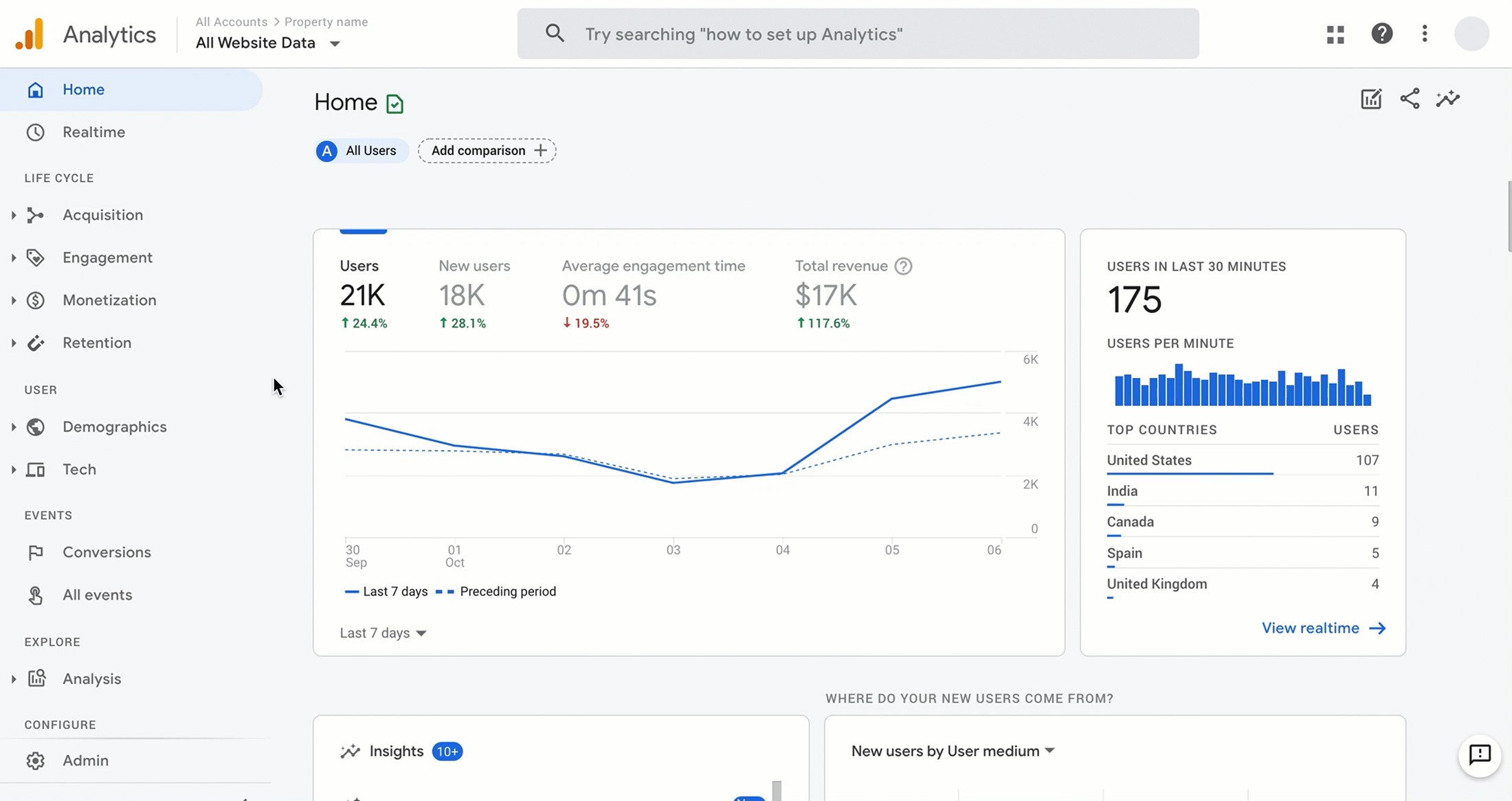
Analytics Review (GA4 & Clarity)
What it Revealed: Deadclick and quickback rates clustered around programs and camps, showing where users were getting lost and abandoning.
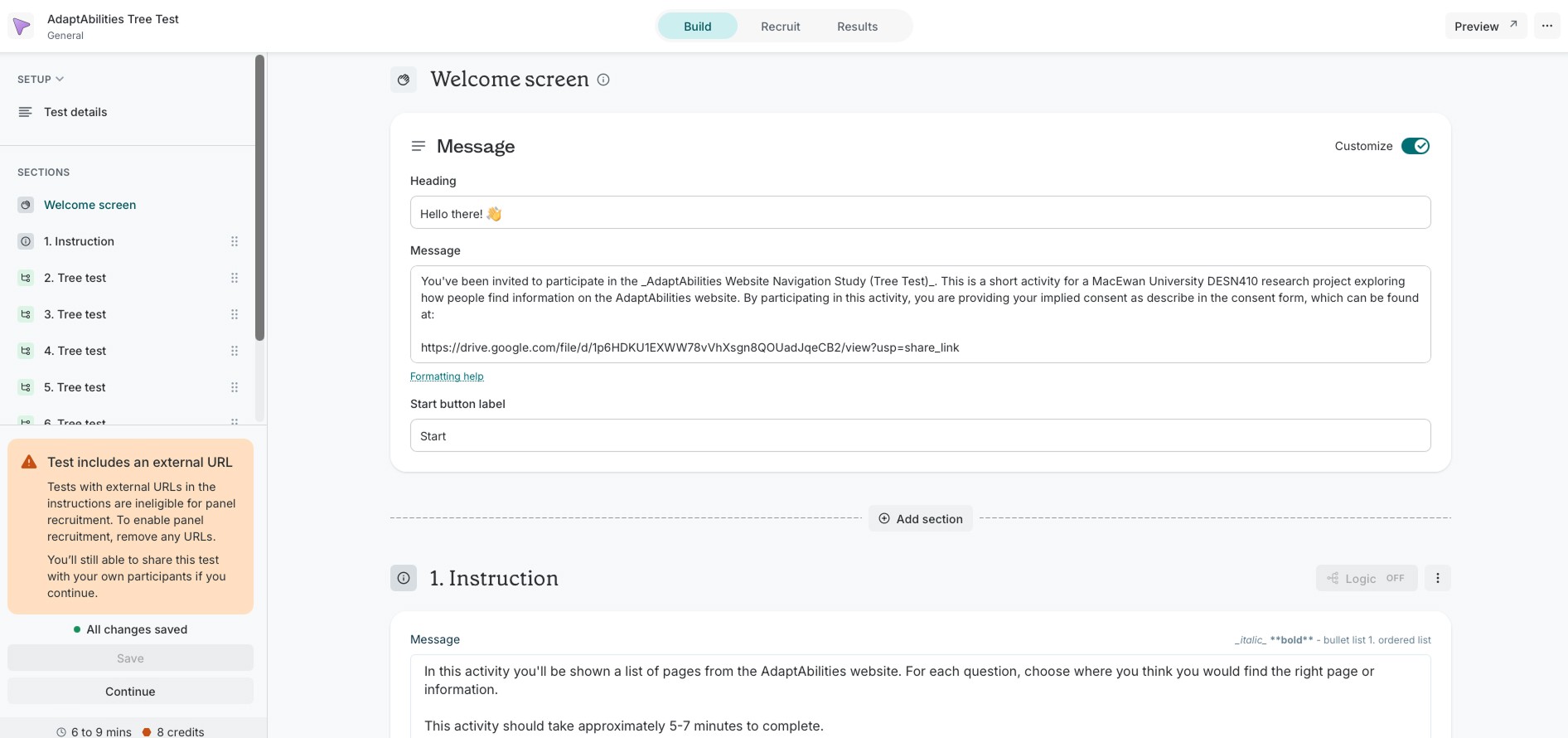
Tree Testing (Lyssna)
What it Revealed: Program pathway success rates as low as 47%, giving data to what the analytics were suggesting qualitatively.
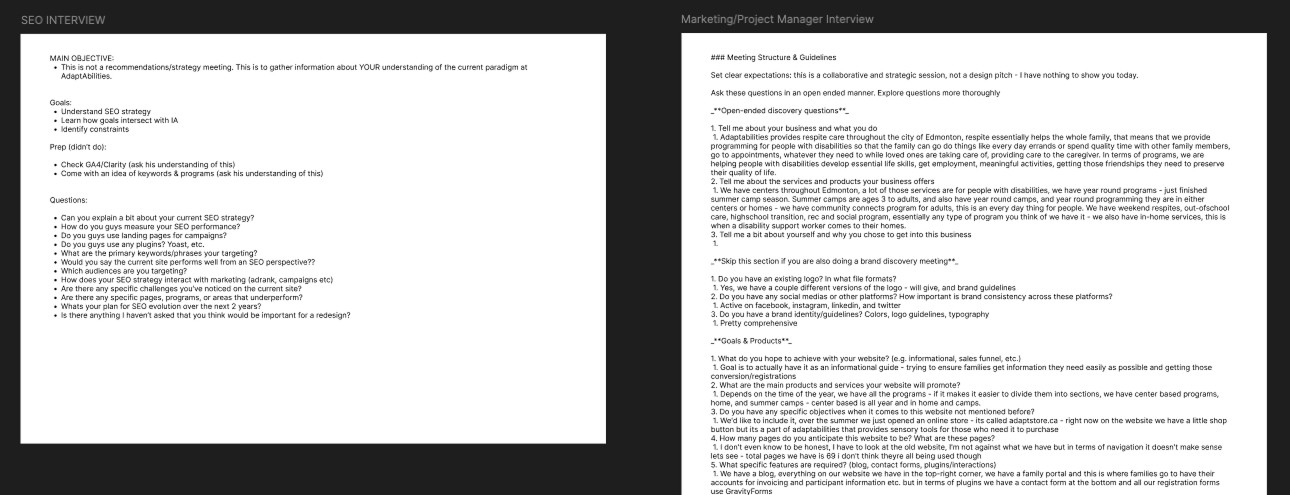
Stakeholder Interviews
What it Revealed: Staff were being affected by navigation failures. Families frequently call in for information that should be findable online.
WHAT IT MEANT
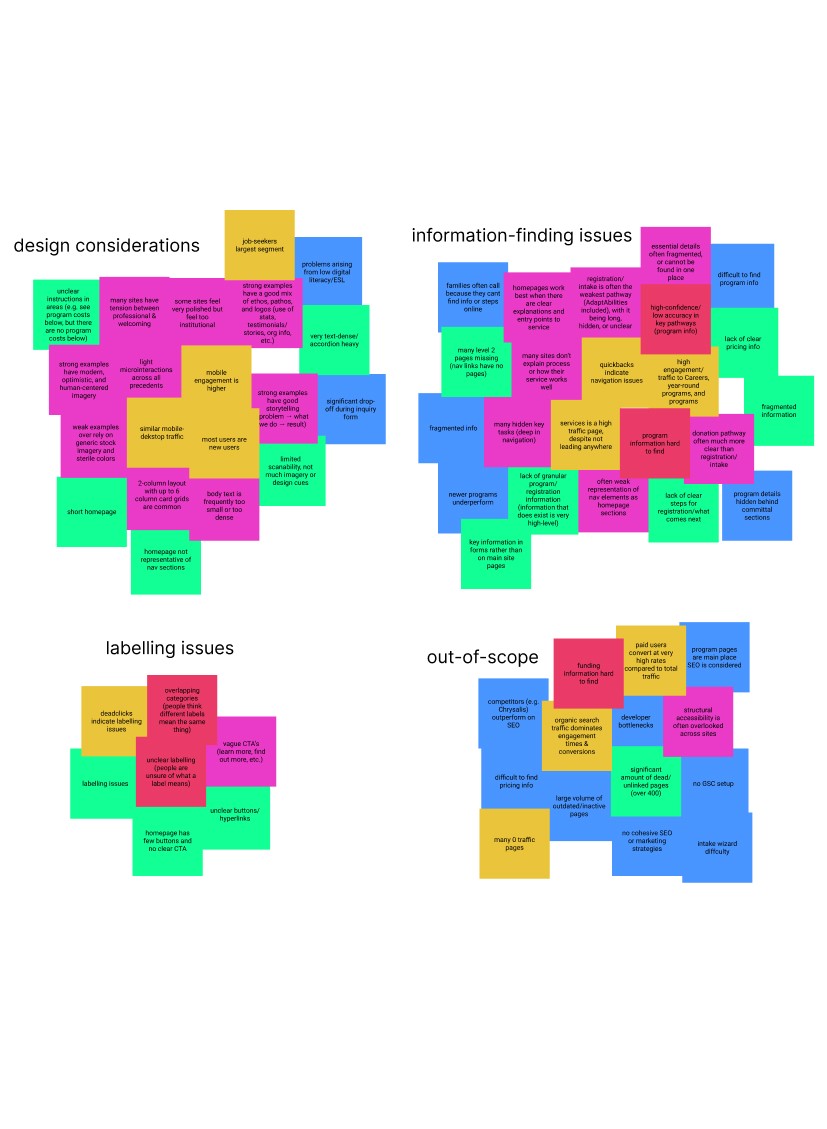
Problems typically grouped into 3 main buckets:
WAYFINDING
Families couldn't find what they needed without bouncing between pages, calling intake staff for support, or abandoning the process.
LABELLING
Section names assume familiarity with the organization. For ESL users and families with low digital literacy, unclear verbiage compounded and already difficult navigation experience.
DESIGN CONSIDERATIONS
Device profiles were mixed. Visual inconsistency, hierarchy issues, dense text layouts, and buried CTA's didn't reflect the warmth and professionalism of the organization it represented.
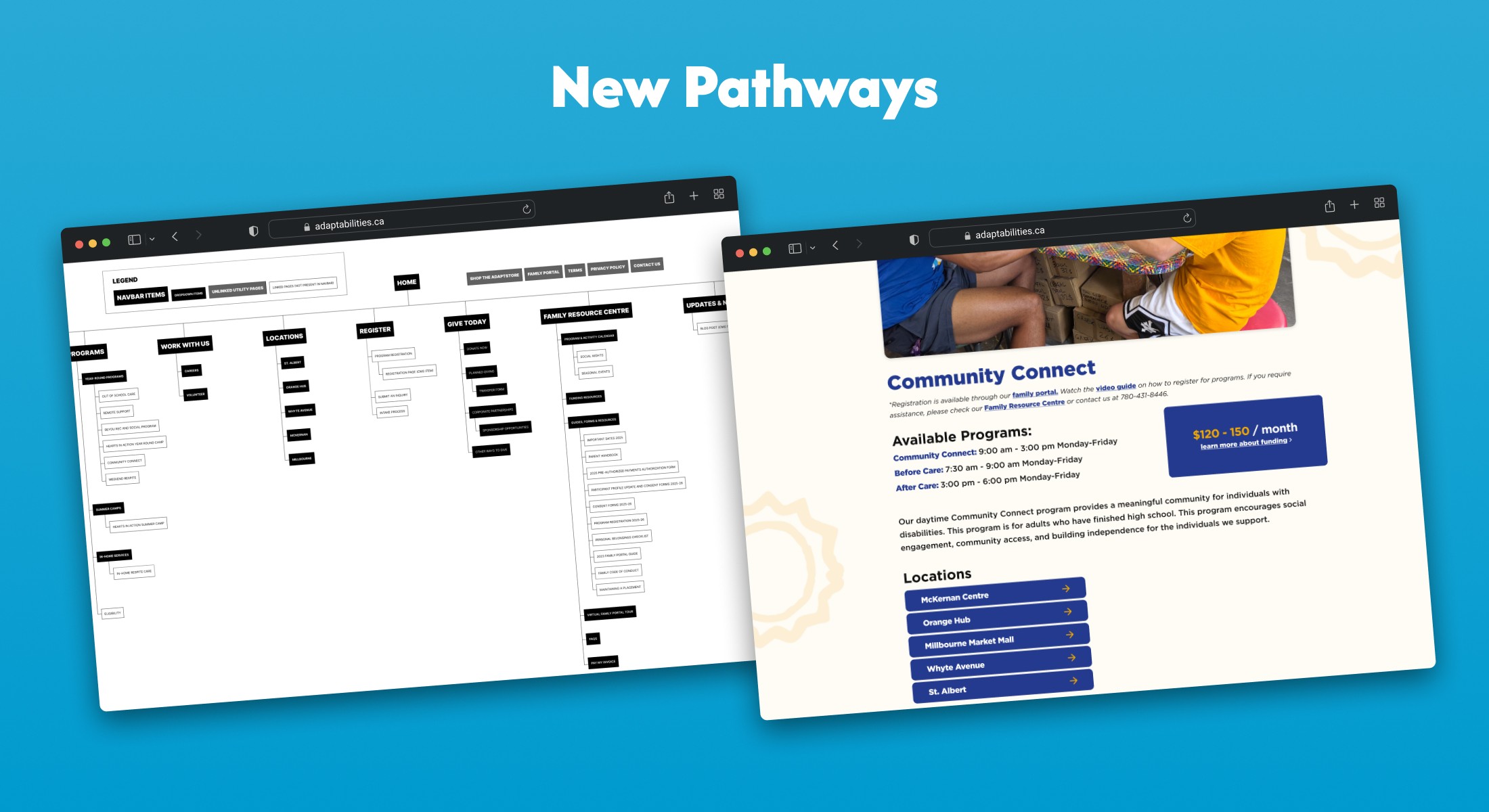
NEW PATHWAYS
I developed a sitemap and a clear path from discovering a program to signing up for it. We restructured the IA based around how families actually think, not how we assumed. The redesigned program pages, Family Resource Centre, and new eligibility page were designed to hold everything in one place so families could orient themselves and see relevant details without having to search.
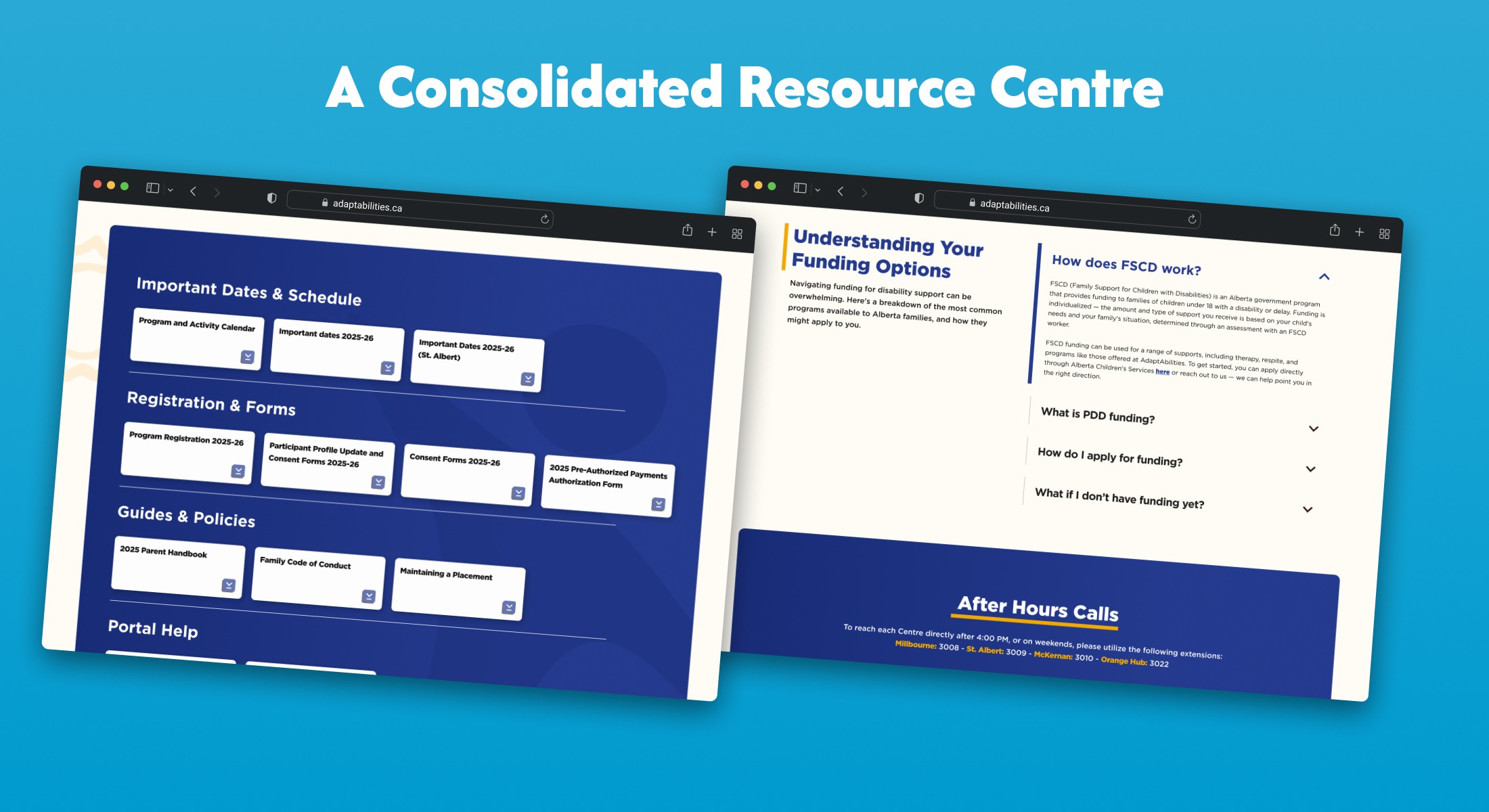
A CONSOLIDATED RESOURCE CENTRE
Documents, eligibility information, and registration in one place. The original resource centre was a loose collection of links and documents that didn't distinguish between someone new to AdaptAbilities and a family who has been with the organization for years. We reorganized it around two clear audiences: new families who need orientation, and existing families who need quick access to documents.
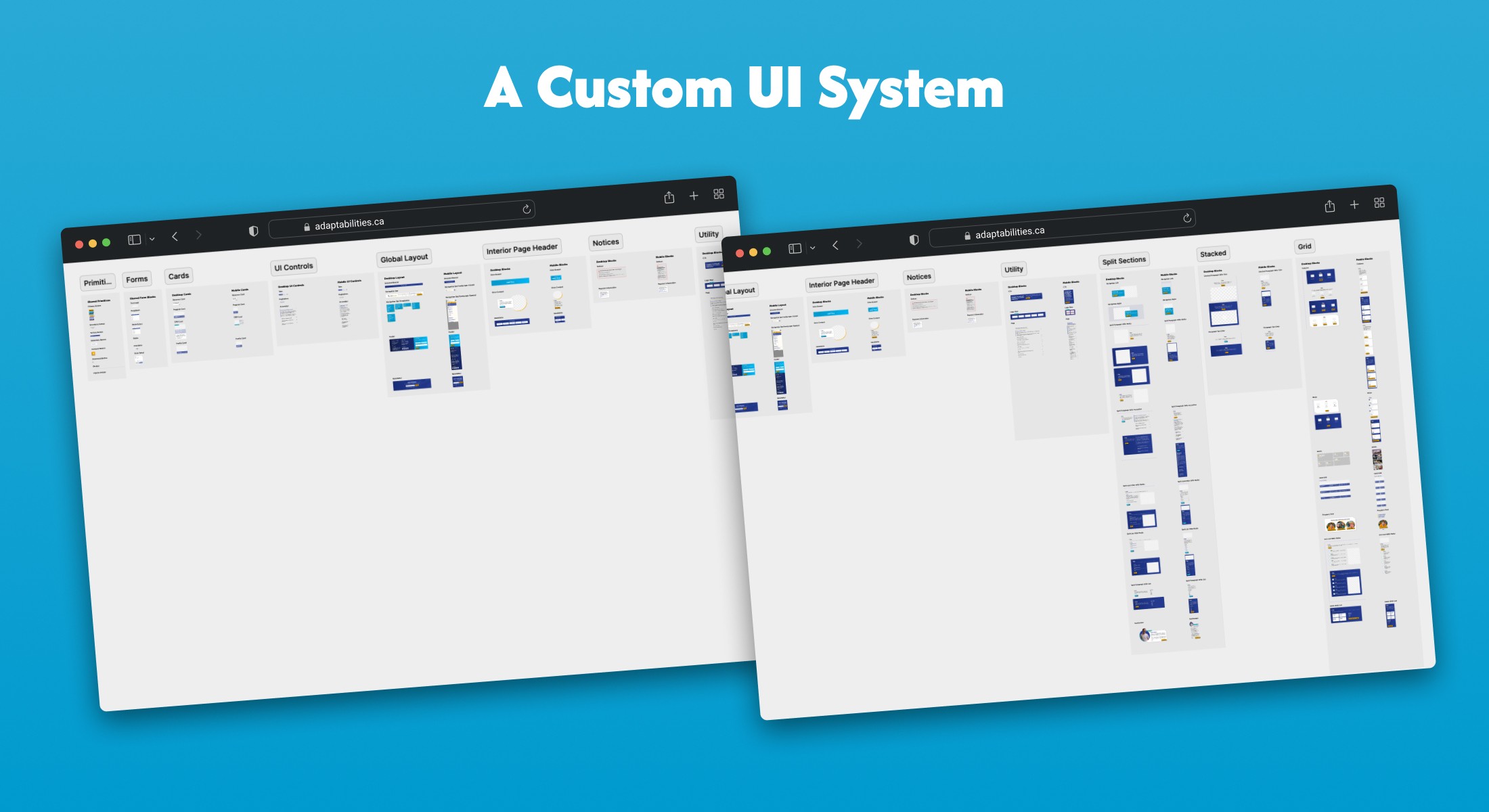
A CUSTOM UI SYSTEM
A full color, type, and component library built from scratch with scalability in mind. This system had both mobile and desktop masters, with light background and card variants so they could be matched to content needs without sacrificing aesthetic. A dedicated foundations page was included in the handoff, giving the developers a single reference point for every design decision made.
NEXT STEPS
A few things I would push further if I had more time…
POST-LAUNCH RESEARCH
A second round of analytics review and usability testing to validate the design is working as intended.
LOCALIZATION
A broad localization strategy would more directly address the language barrier present in the audience.
EXTERNAL SITES
Donation platforms, intake, and the family portal live on separate third-party domains. Consolidating these through subsites or deeper integration with the main site would help close this gap.