Tools Used: Figma, Illustrator
GOAL
A long and confusing form doesn't reflect the approachable, science-forward brand of the Telus World of Science. Volunteers were left without clear guidance, a logical structure, or the confidence they were filling it out correctly.
CONSTRAINTS
Design within TWOSE's existing brand.
Fixed form content - information collected could only be reorganized.
Consideration of broad volunteer demographic including older adults & first-time applicants.
DELIVERABLES
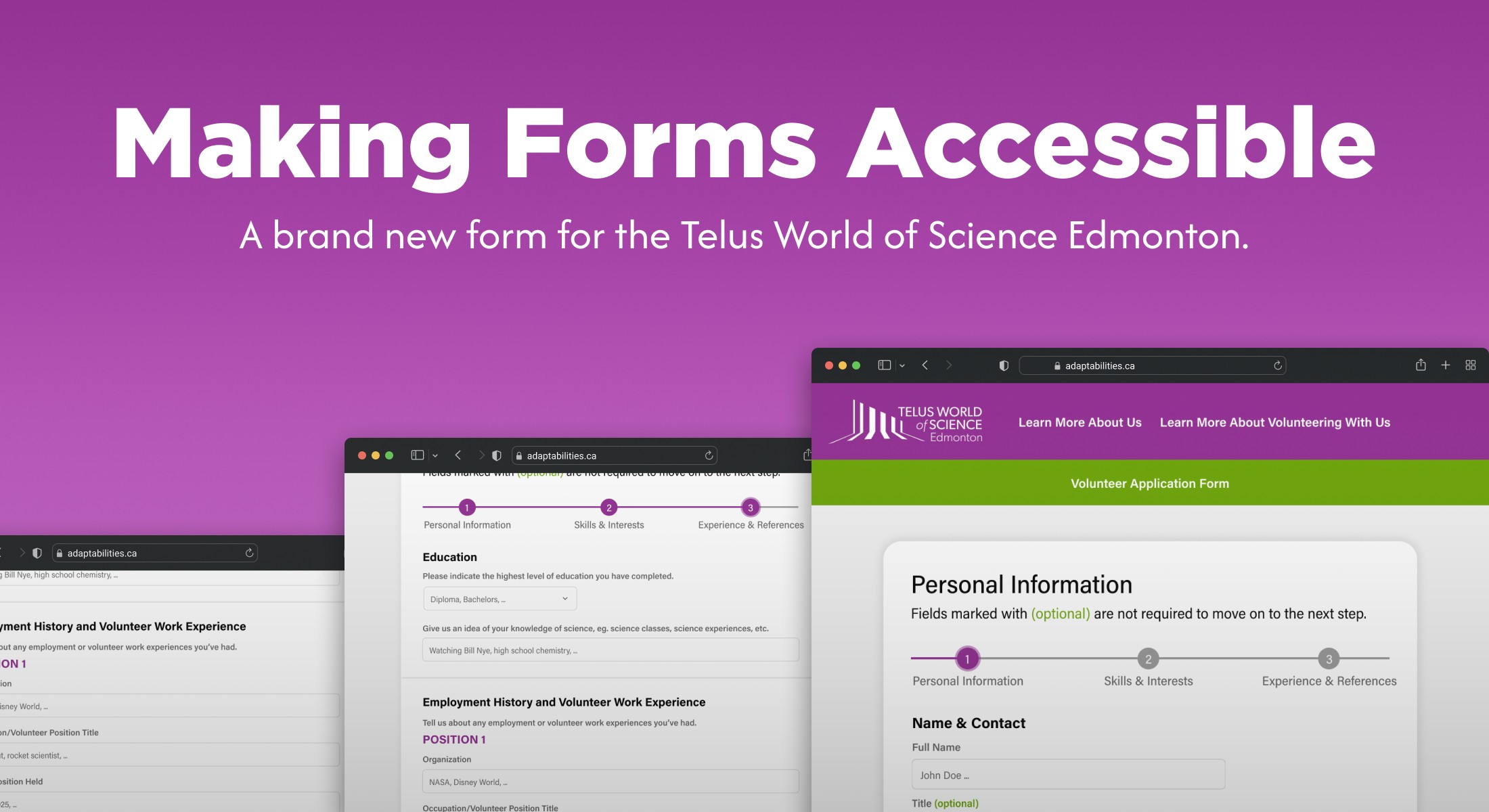
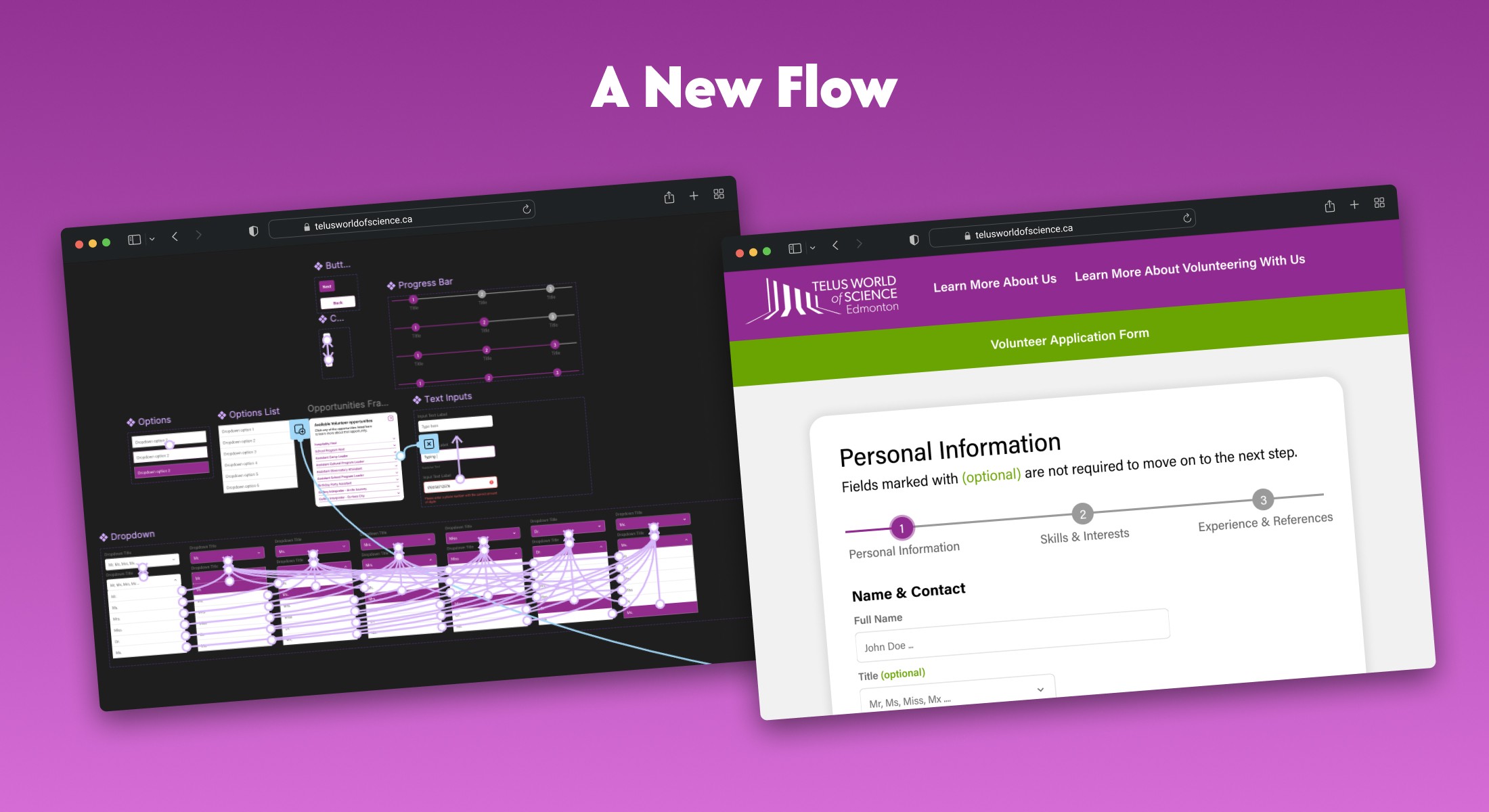
Restructured form with logical sections, clear labels, and progress indicators.
High-fi UX/UI mockup in Figma.
Interactive prototype demonstrating application flow.
WHERE WE STARTED
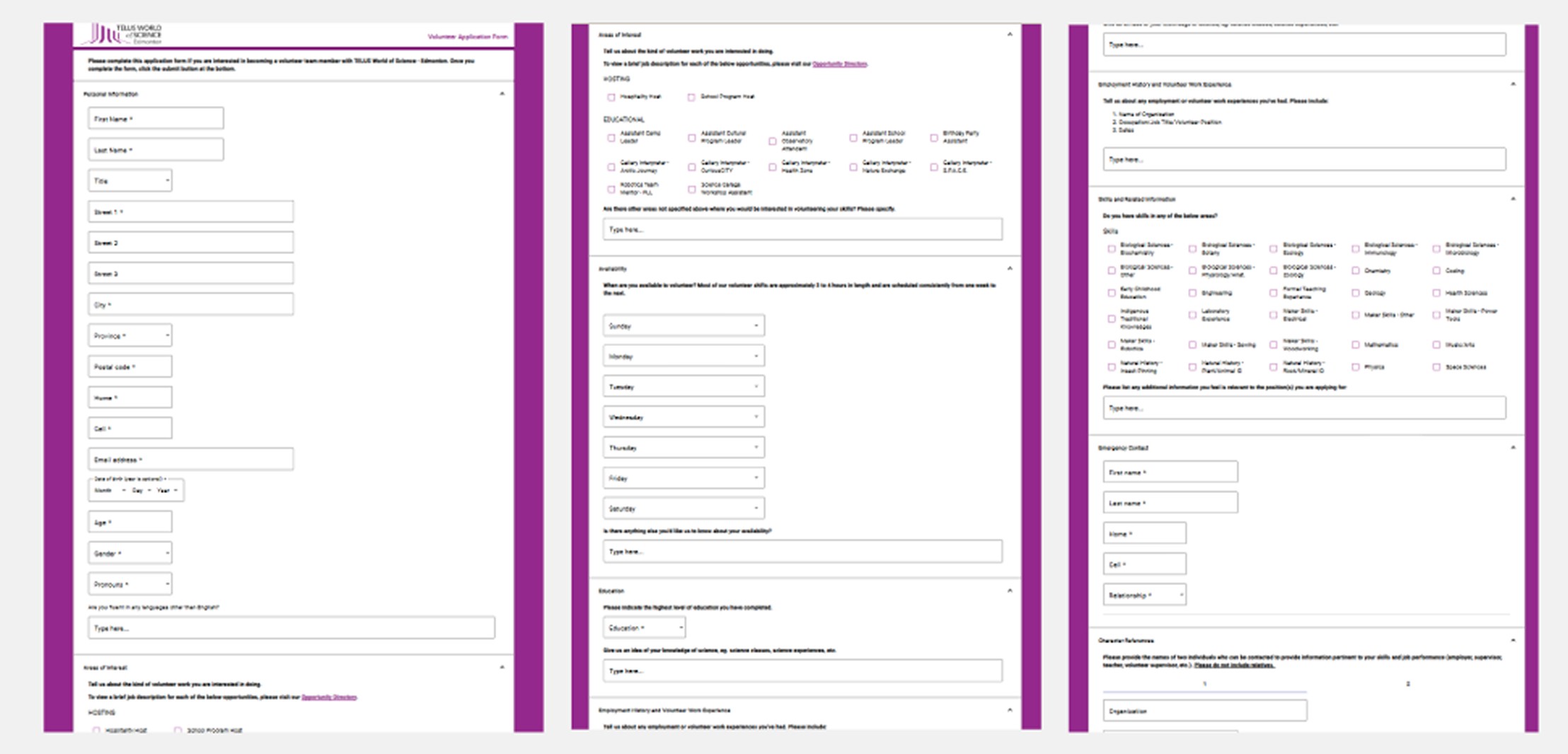
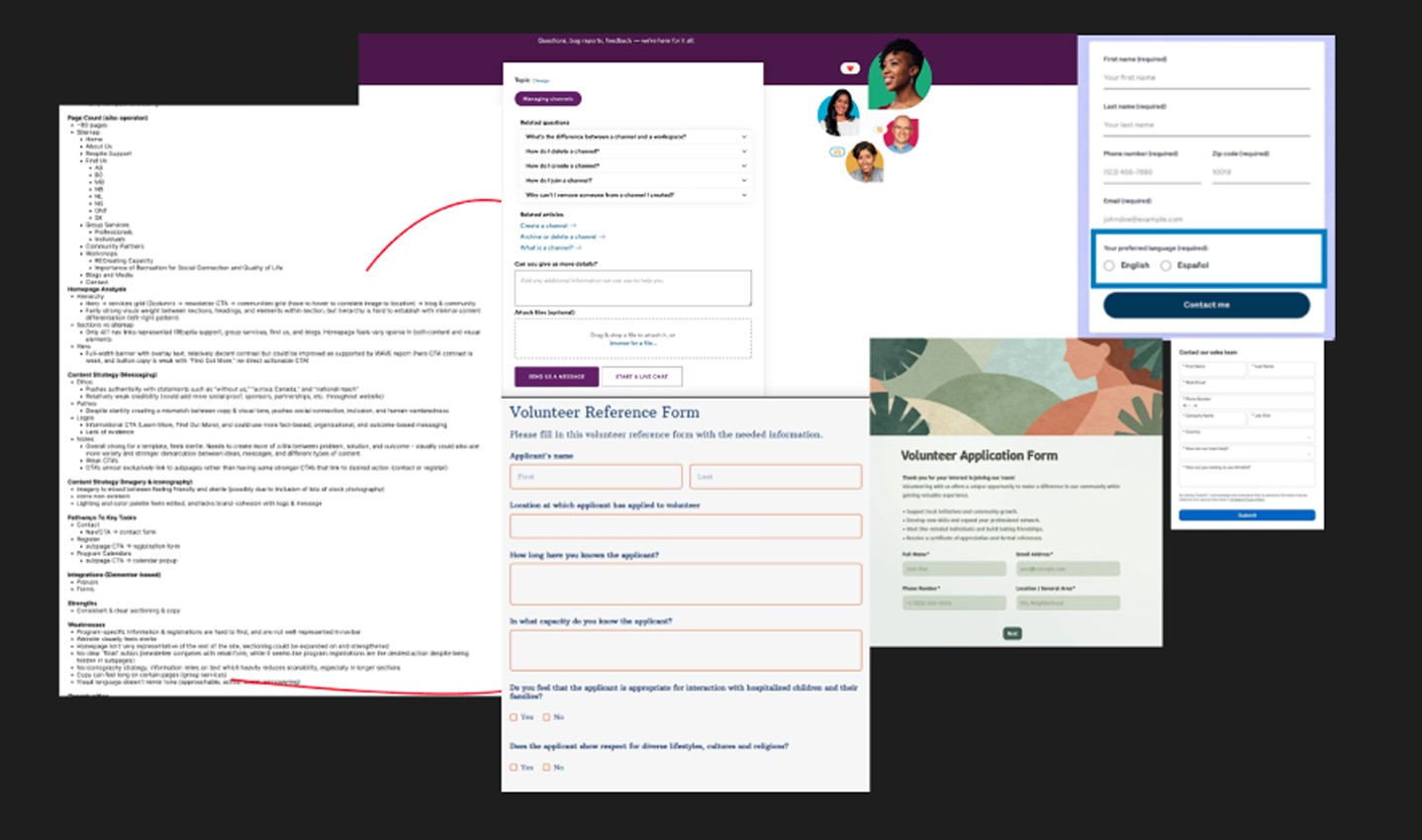
TWOSE's volunteer form was long and disorganized. After auditing the existing form and conducting competitive research I better understood what a good experience looks like.
User Analysis
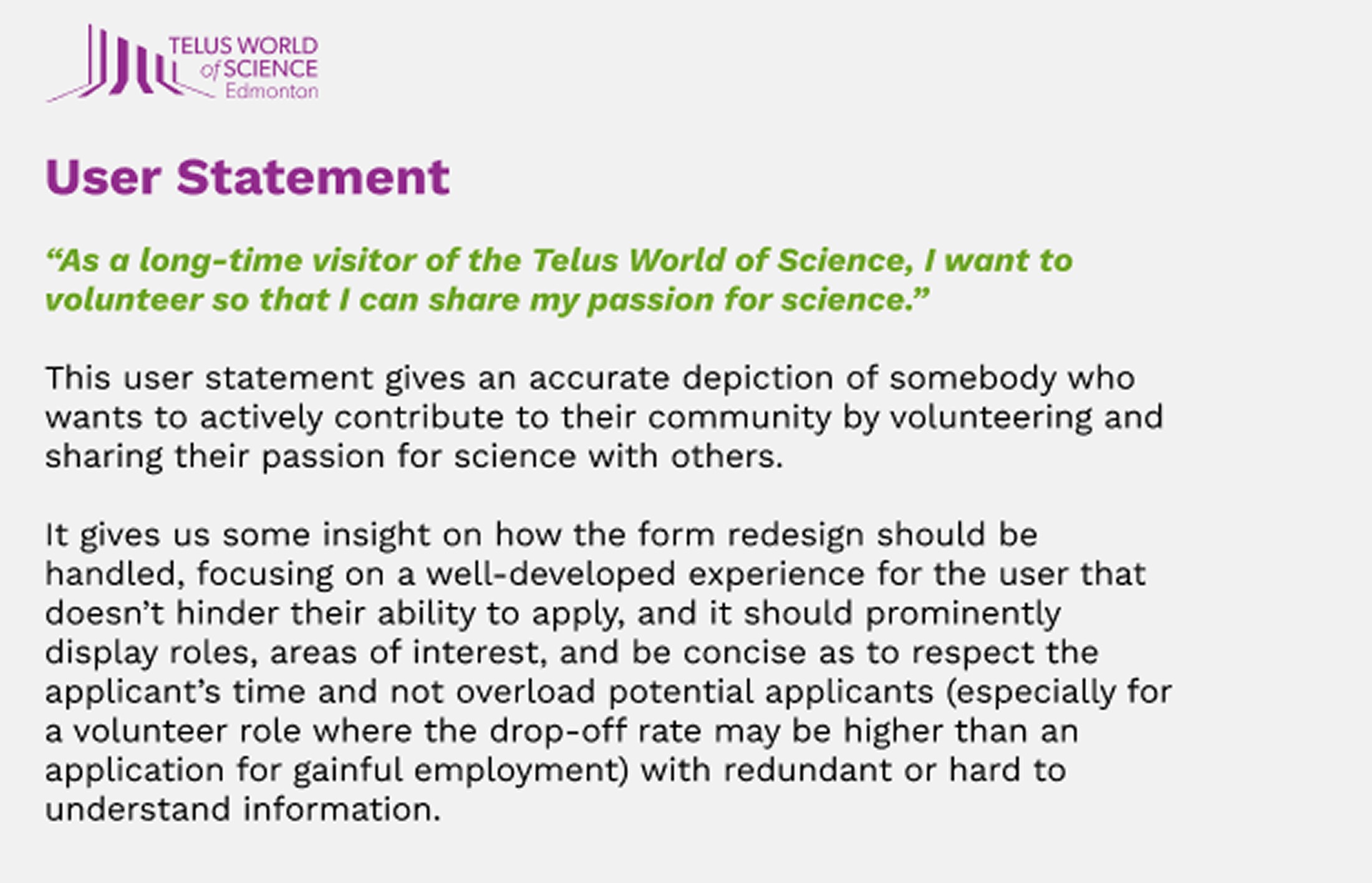
What it Revealed: Volunteers are motivated but time-sensitive. The form needs to quickly surface roles and interests upfront, reducing redundancy and set expectations.
Form Analysis
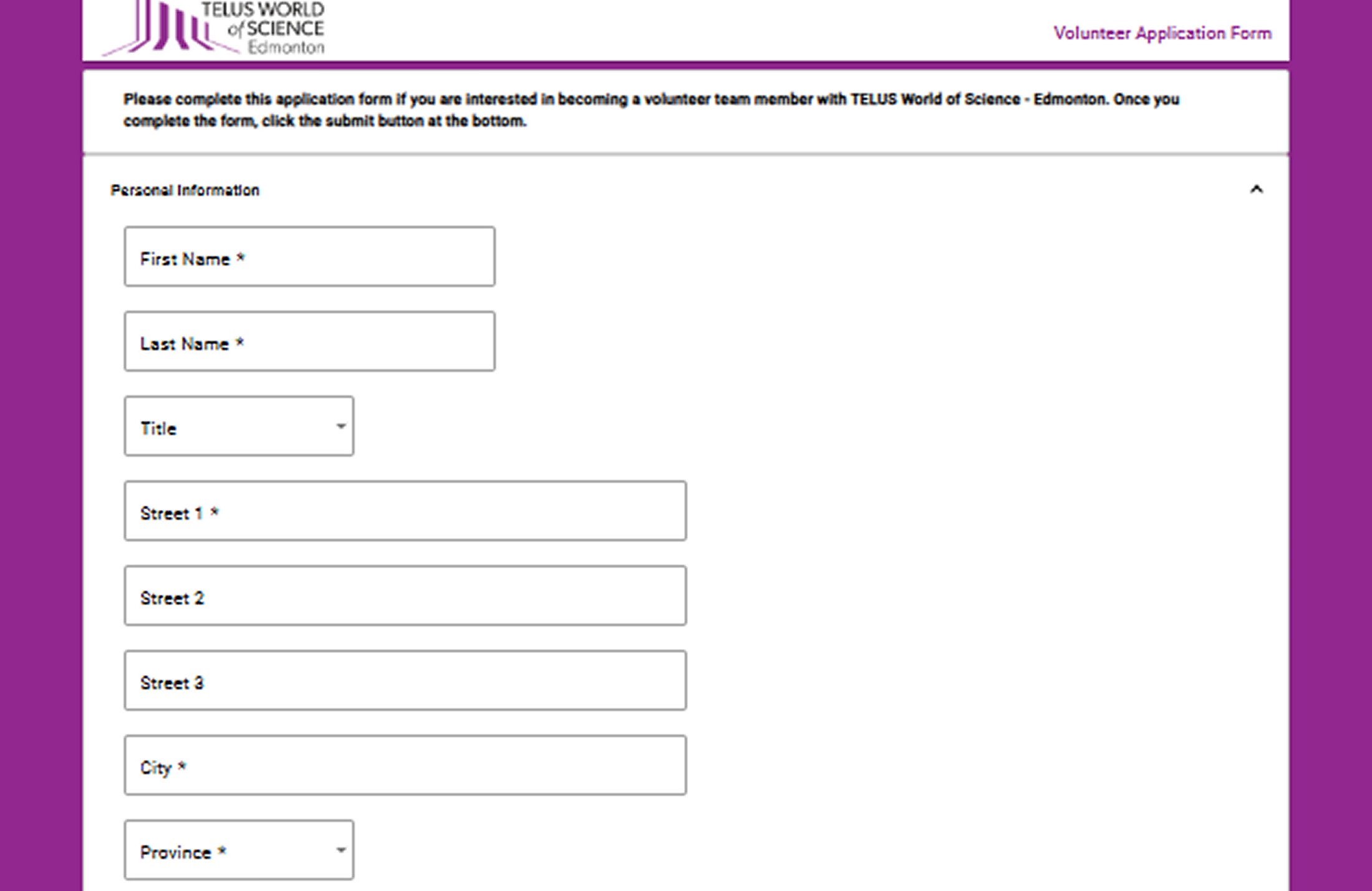
What it Revealed: The existing form had structural issues including non-inclusive language, illogical required field logic, inability to add multiple entires, a lack of priming, and a mismatched feel.
Visual Analysis
What it Revealed: The form was visually fatiguing and felt dated. It felt inconsistent with a modern leader of science, and often left out important brand details found elsewhere on the wite.
Competitive Analysis
What it Revealed: Strongest forms use multi-step flows, progress indicators, and clear section labelling. There is also ample supporting indicators, making applicants feel oriented throughout the process.
WHAT IT MEANT
A few main updates were recommended to modernize visual language while also enhancing UX.
PROGRESSIVE DISCLOSURE
Revealing information as needed, like available opportunities, or allowing users to add additional fields such as education details or references.
FRAMING
Using the progress bar and overarching section design to give the user an idea of what to expect before applying, and during the application process.
INFORMATION CHUNKING
Grouping together and sub-sectioning related information into clear, sequential categories to reduce cognitive load and prevent confusion.
A NEW FLOW
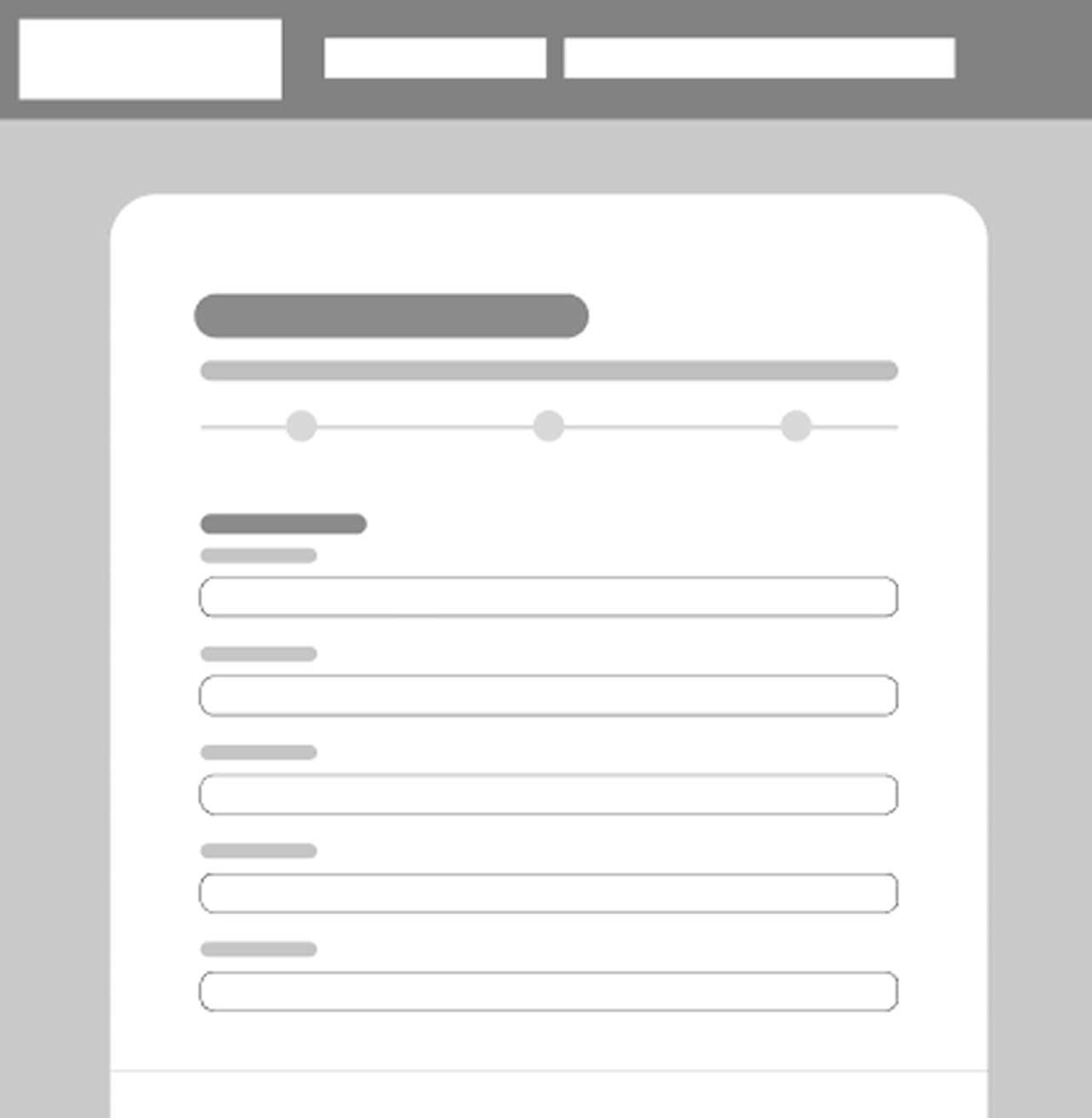
The original form was one long unbroken page with no sense of progress or end. I restructured it into a three-step process, giving applicants a clear path from start to finish. A progress bar keeps them oriented at every step, and logical section grouping means related fields live together.
BRAND NEW FORMS
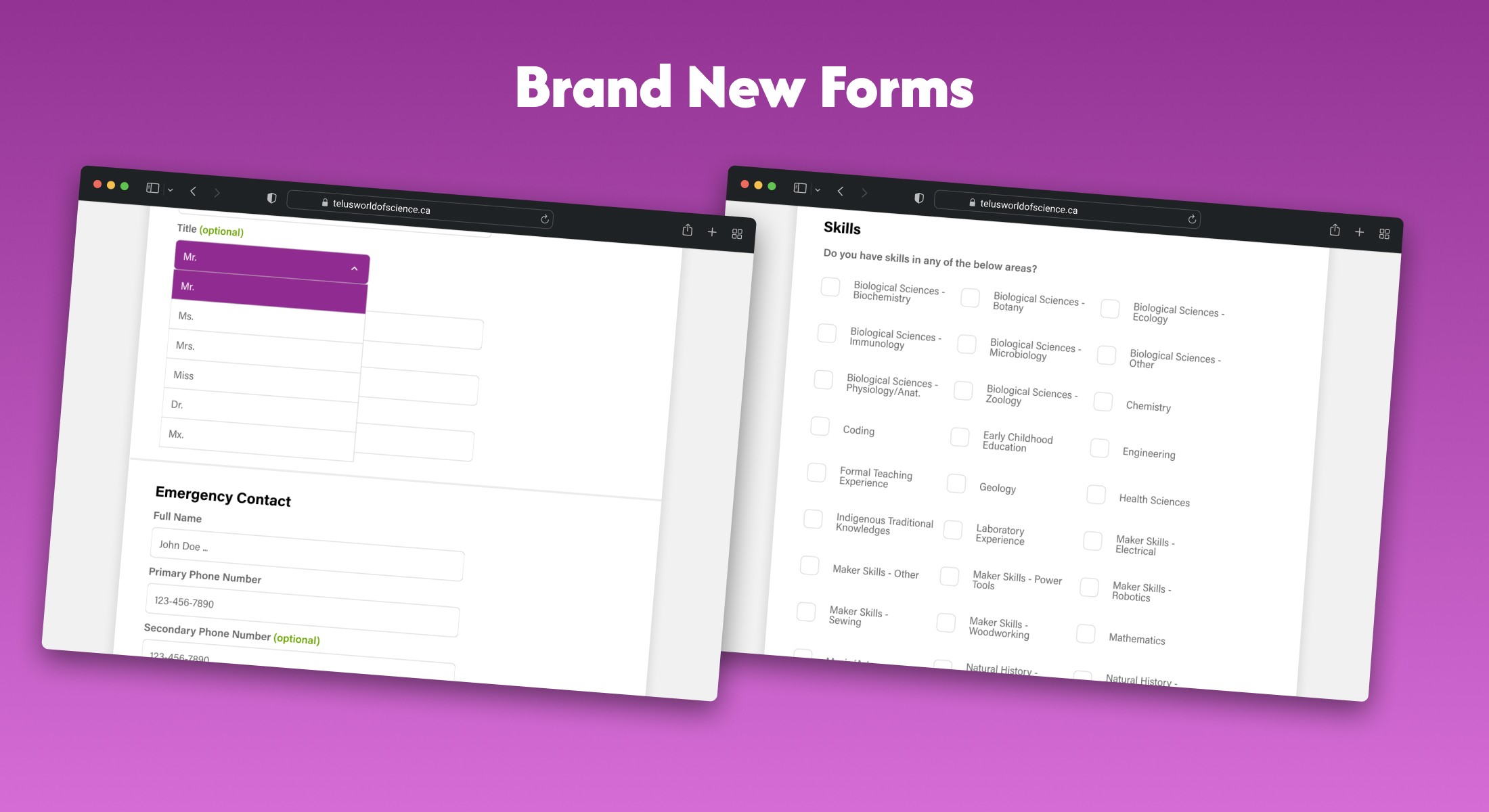
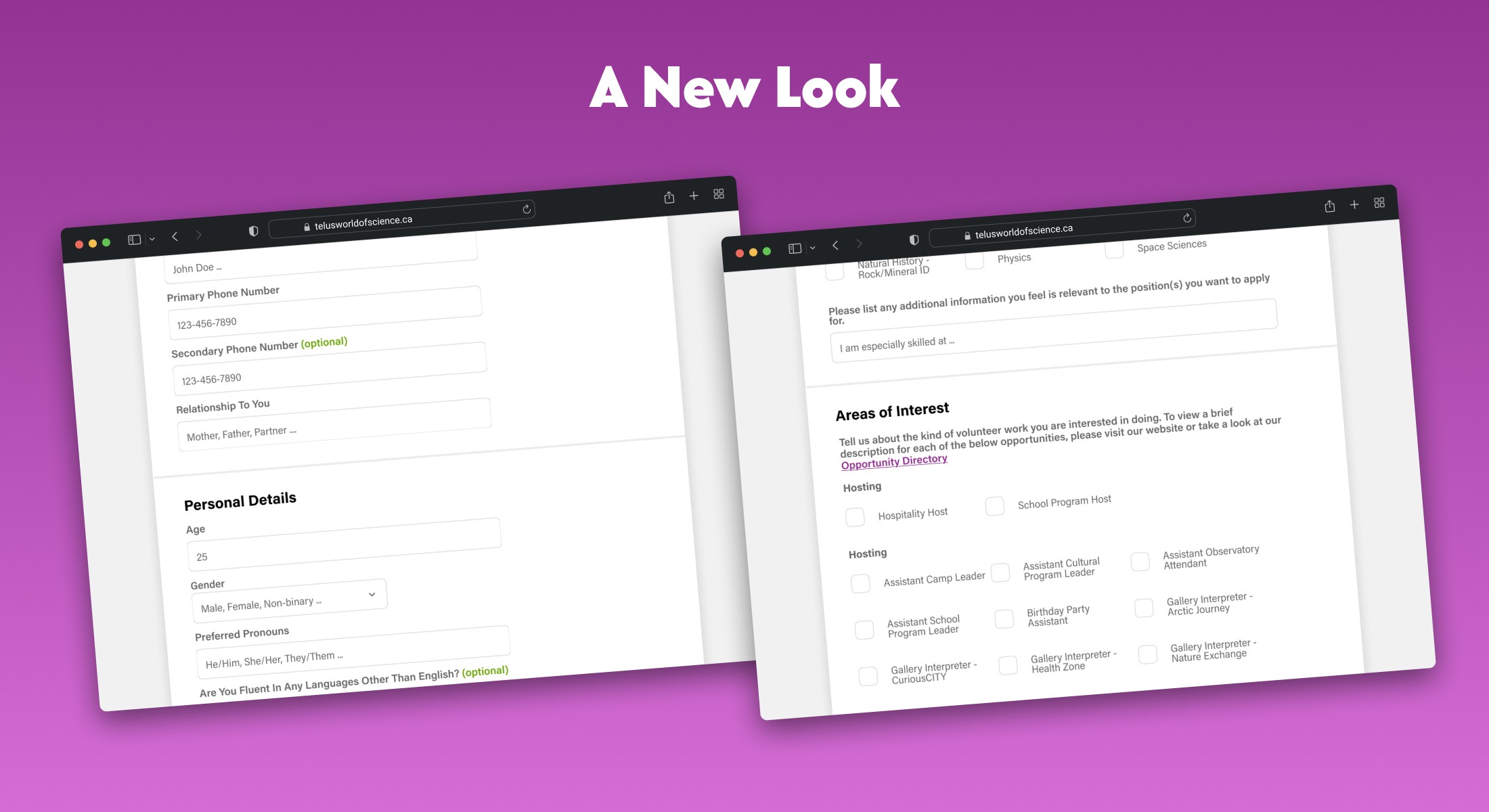
Every field was rebuilt from scratch. Optional fields are marked clearly so that required information doesn't feel arbitrary. Fields such as employment and references support multiple entries, and the form feels like it was designed for the person filling it out, not just the organization collecting data.
A NEW LOOK
The visual language was modernized to match the energy of TWOSE as an institution. Adding green (already prominent across the main site) as an accent color alongside purple with rounded components, clean spacing, and a modern typographic hierarchy helped the form feel like it belongs to the same organization as the rest of the TWOSE brand.
NEXT STEPS
A few things I would push further if I had more time…
POST-LAUNCH RESEARCH
The redesign was driven by user analysis and competitive research, but never validated with users. Running a moderated usability study to find friction would validate the changes.
ONBOARDING FLOW
The users' experience doesn't end at submission. I would like to map what happens after, such as the confirmation email, followup process, and onboarding practices.
ACCESSBILITY AUDIT
A more in-depth accessibility audit that is formally tested against WCAG standards, ease-of-use metrics, and assistive technology updates to ensure the form works for a full range of users.